WFH Essentials
Kumusta ang likod mo ngayon? If your answer involves “masakit,” “ngawit,” or “di ko na pansin kasi sanay na” — this article is for you.
Most of us working-from-home (WFH) Filipinos are logging 8–10 hours a day with our laptop flat on the table — chin down, neck bent, shoulders creeping up to our ears. It doesn’t hurt right away. But give it a few months and you’ll be googling “bakit masakit ang leeg ko” at 11pm while lying in bed with your phone on your face.
Here’s the thing: the fix doesn’t have to cost a fortune. Shopee and Lazada are full of laptop stands for as low as ₱150. The catch? Not all of them are worth it. So we did the digging for you — and rounded up the best budget picks that actually work, look decent on a desk, and won’t fall apart after a week.
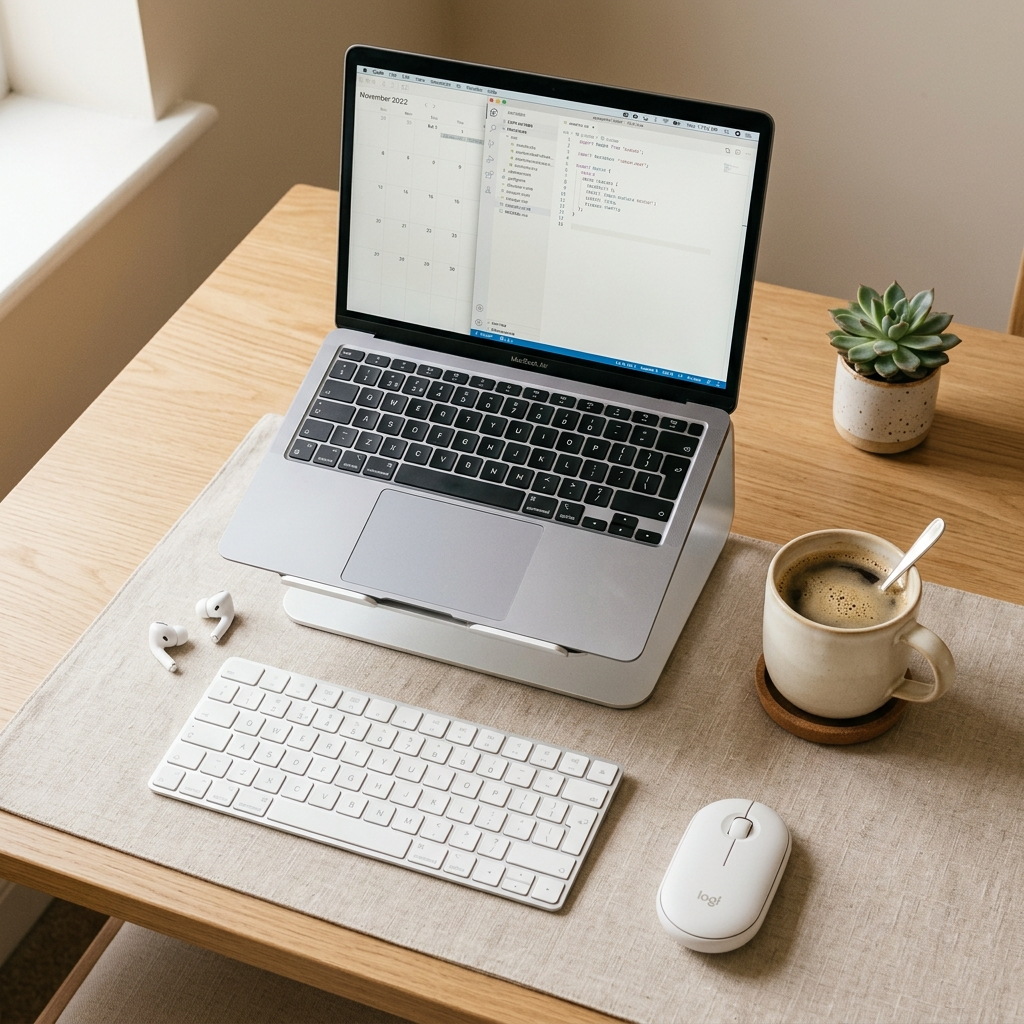
Heads up: For this setup to work properly, you’ll want to pair your laptop stand with an external keyboard and mouse. You can’t type comfortably if your screen is raised but your keyboard is still attached to the laptop. Don’t worry — we’ve linked our budget keyboard guide at the end of this article.
Why Your Neck Is Mad at You
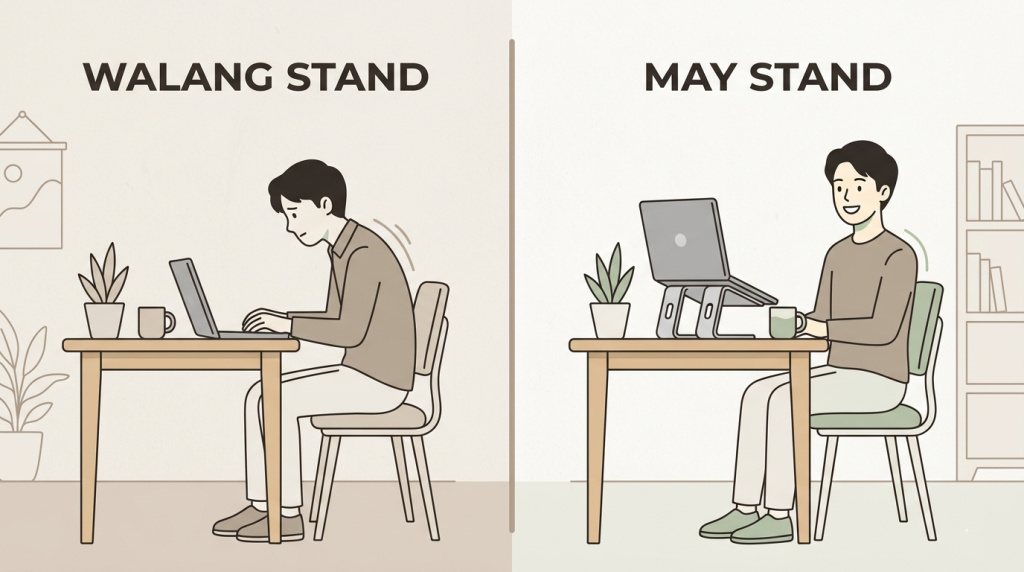
When your laptop sits flat on the table, your head naturally tilts forward and down to see the screen. Sounds harmless — but the average human head weighs about 5 kilos. Every inch it juts forward adds roughly 4–5 kilos of strain on your neck muscles. After 8 hours? That’s like balancing a bag of bigas on your cervical spine. Every. Single. Workday.
And beyond your neck, there are more reasons a laptop stand is genuinely worth it:
- Your laptop runs cooler. Elevating and tilting your laptop lets air circulate underneath the chassis. Less heat means better performance and a longer lifespan for your unit. Sulit na sulit.
- You look better on Zoom. Camera at eye level means colleagues see your face — not the ceiling of your room, not up your nostrils. Instant upgrade sa professionalism, zero extra cost.
- Better focus, less fatigue. Proper eye level reduces the constant micro-adjustments your eyes and neck make all day. You’ll be surprised how much less tired you feel by 5pm.
💡 Quick Tip: Set your laptop screen so the top edge is at or just below eye level. That’s the sweet spot for most people.
What to Look For Before You Add to Cart
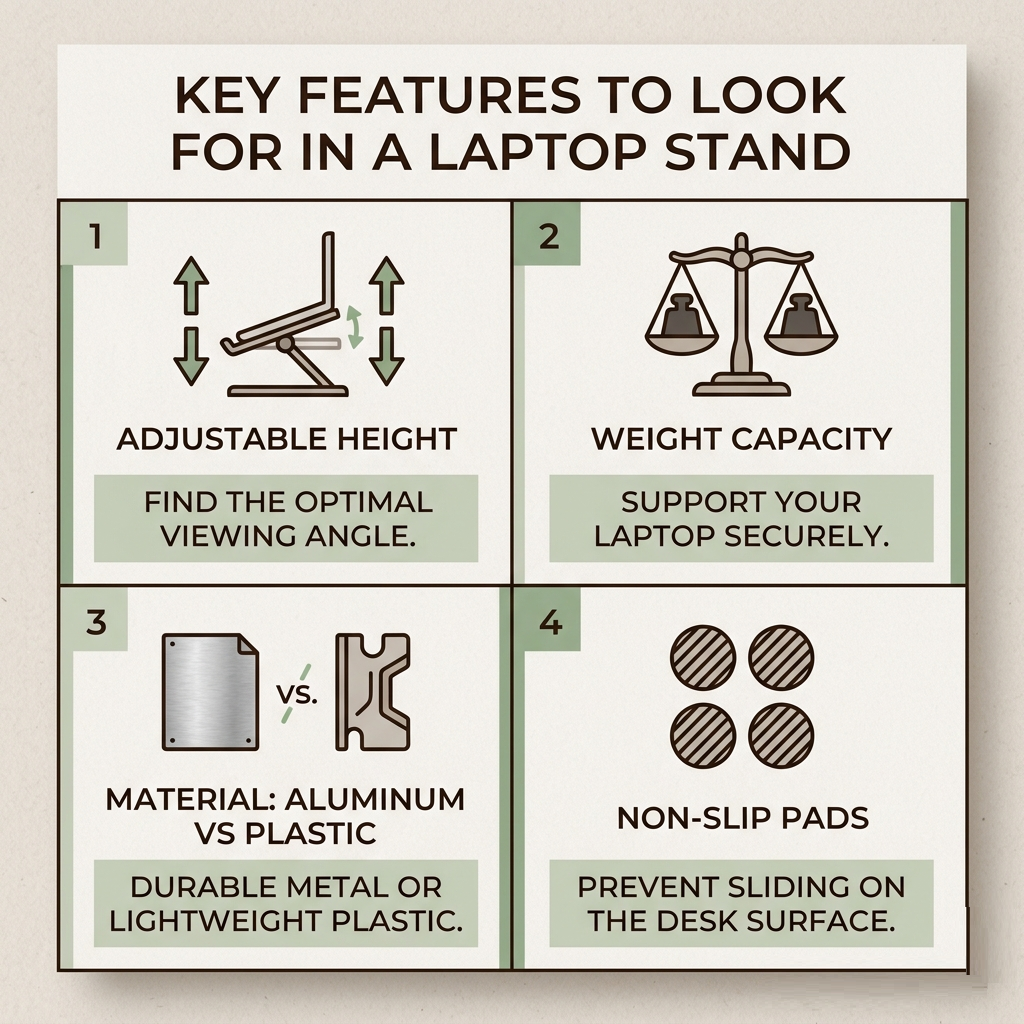
Not all laptop stands are created equal — especially at budget price points. Before you impulse-buy the cheapest one you see, here’s what actually matters:
- Adjustable height. Fixed-angle stands can work, but adjustable ones let you dial in the exact height for your desk and chair. Look for at least 3–4 levels. Your ideal eye level is different from your officemate’s.
- Weight capacity. Most budget stands hold up to 8kg — more than enough even for chunky 15-inch gaming laptops. If you have a heavy unit, check this spec specifically before buying.
- Material: aluminum vs. plastic. Aluminum is more stable, conducts heat better, and looks cleaner. Plastic is lighter and cheaper. For a permanent desk setup, go aluminum. For daily commuters who pack a bag, plastic is fine.
- Non-slip pads. Often overlooked. Without rubber or silicone grips on the stand’s arms and feet, your laptop will slowly slide off during long typing sessions. Check reviews specifically for this.
- Foldability. If you move between home and office, get a foldable stand. If your desk setup is permanent, prioritize stability over portability instead.
Top Budget Picks by Price Tier
Here are the three categories we recommend — tried, tested by real Filipino buyers, and priced for the proud kuripot.
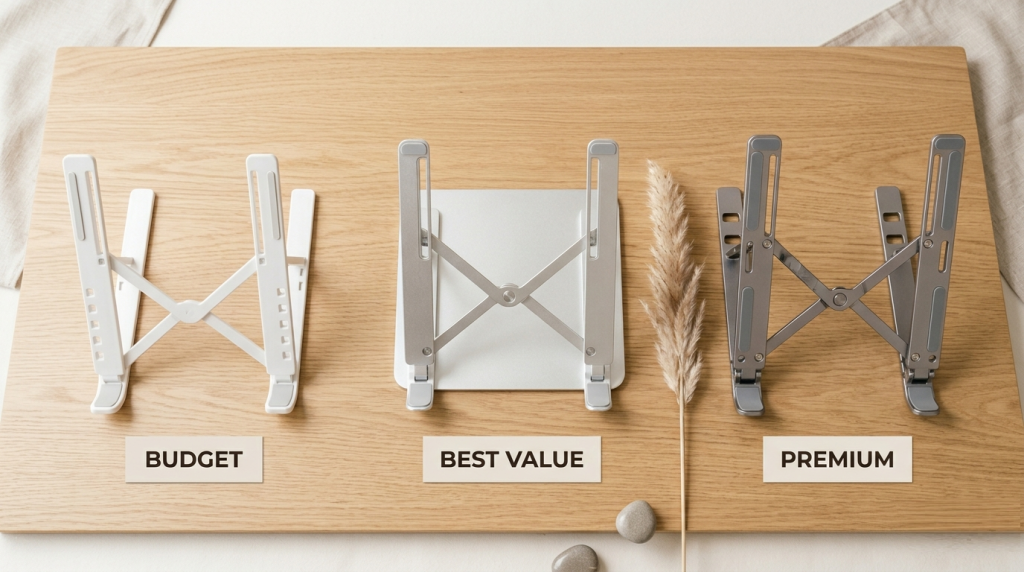
Best Budget Pick
Foldable Z-Type Laptop Stand
₱150 – ₱250
Plastic build, foldable, multiple angle settings. Good for light laptops up to 13 inches. Perfect if you’re a student or just want a starter stand to test the setup. Gets slightly wobbly with heavier 15-inch units.
🛒 Buy on Shopee
🛒 Buy on Lazada
✦ Kuripot Verdict: Perfect pang-try first. Hindi pa sure kung gagamitin mo araw-araw? Dito ka magsimula.
⭐ Best Bang for Buck — Our Pick
Adjustable Aluminum Laptop Stand
₱280 – ₱450
Aluminum alloy, adjustable tilt from 0–60°, holds up to 17-inch laptops. Looks genuinely sleek on any desk. This is the sweet spot between quality and price — premium feel without the premium tag. Most popular choice among WFH Filipinos on Shopee.
🛒 Buy on Shopee
🛒 Buy on Lazada
✦ Kuripot Verdict: THIS is the one we recommend. Solid, good-looking, and durable enough for full-time daily WFH use. Most 5-star reviews.
Sosyal Pick
Nillkin ProDesk / Nexstand K2
₱500 – ₱700
Up to 8 height adjustments, ultra-stable, loved by full-time remote workers. Looks legitimately professional in any Zoom background. Worth the extra spend if you’re WFH five days a week and want something built to last years.
🛒 Buy on Shopee
🛒 Buy on Lazada
✦ Kuripot Verdict: Isang beses kang mag-splurge, wala kang pagsisisihan. Ideal for full-time WFH setups.
Quick Comparison at a Glance
| Stand Type | Price | Material | Adjustable? | Best For |
|---|---|---|---|---|
| Z-Type Foldable | ₱150–250 | Plastic | ✓ Yes | Students, light laptops |
| Aluminum Adjustable | ₱280–450 | Aluminum alloy | ✓ Multi-level | Daily WFH users |
| Nillkin / Nexstand | ₱500–700 | Premium alloy | ✓ 8 levels | Full-time remote workers |
Kuripot Tips Before You Buy

- Wait for flash sales. Laptop stands go on sale during 3.3, 5.5, 9.9, and 11.11. The ₱280–₱450 aluminum stand often drops to ₱180–₱220 during these events. Follow the shop and turn on notifications.
- Stick to 4.7-star sellers. Only buy from sellers with 4.7+ ratings and at least 200 reviews. Avoid “Brand New” stores with zero track record — kahit mura, risky ang quality control.
- Stack your vouchers. Combine a shop voucher + Shopee/Lazada coins + free shipping promo. On a ₱300 stand, you can realistically bring the final price down to ₱180–₱220.
- Look for keyboard bundles. Some sellers offer a laptop stand + budget keyboard combo for ₱400–₱600 total. Much more sulit than buying separately — and you’ll need the keyboard anyway.
- Choose Mall stores when possible. Shopee Mall and Lazada Mall sellers offer buyer protection and guaranteed authentic products. For a purchase you’ll use every day, it’s worth it.
💡 Quick Tip: Always read the 1-star and 2-star reviews first. They reveal real problems — wobbly feet, wrong sizes, scratched laptops — before you commit.
Free Posture Wins While You Wait for Your Order to Ship
Don’t wait to start fixing your posture. Here are zero-cost things you can do right now while your Shopee order is on its way:
- Stack books under your laptop. A thick textbook works perfectly as a placeholder stand. Even one Noli Me Tangere under your laptop is better than nothing. Seriously — try it right now.
- Set a 30-minute timer. Every 30 minutes, stand up for at least 5 minutes. Even short standing breaks significantly reduce lower back pain and fatigue over a full workday.
- Do chin tucks. Slowly pull your chin straight back — like you’re deliberately making a double chin. Hold for 5 seconds. Repeat 10 times per hour. It resets your neck posture and you can do it silently during Zoom meetings. Nobody will notice.
- Position your keyboard correctly. Once your laptop is elevated, your external keyboard should sit flat on the desk with your elbows at roughly 90°. Hindi nakaumbok pataas, hindi nakabitin pababa.
- Move your screen farther back. Most people sit too close. The general rule is arm’s length — around 50–70cm from your face. Less eye strain, better posture, fewer headaches by end of day.
Frequently Asked Questions
Your Back Will Thank You
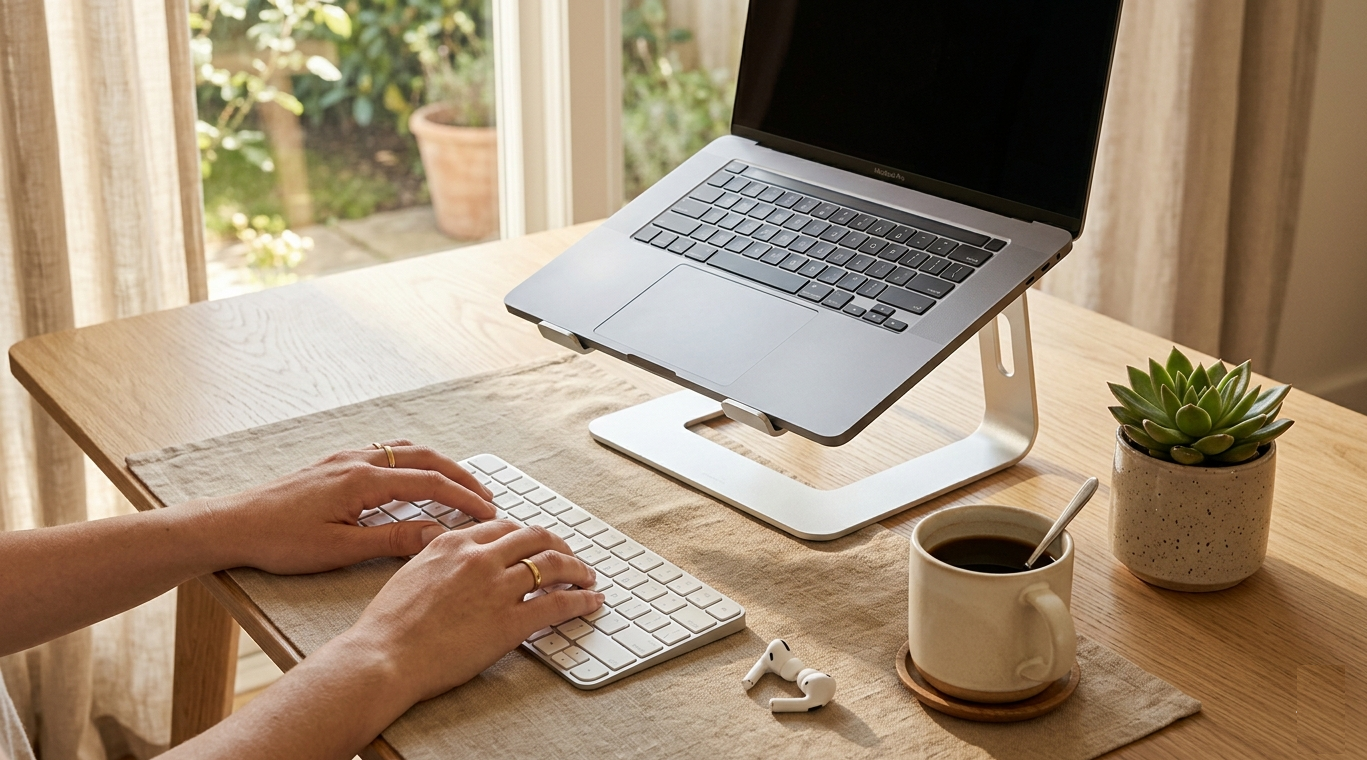
This is the energy. Calm, focused, comfortable — and all within budget. 🌿
A laptop stand is one of those purchases that sounds like a small thing — but once you start using one, you’ll wonder how you survived without it. Your posture improves, your laptop runs cooler, you look better on calls, and the mental clarity that comes from a clean, intentional desk setup is genuinely underrated.
And the best part? You don’t need to spend much. The ₱280–₱450 aluminum stand from Shopee is honestly all most WFH Filipinos need. Pair it with a cheap external keyboard, a small plant from the tindahan, and good lighting — and your home setup will rival ones people spent tens of thousands of pesos building.
Kaya mo ‘yan. Kuripot but make it leveled up. 💪
Found this helpful? Share this to your friends! 🙌
Mayroon ka na bang laptop stand, o naka-flat pa rin ang laptop mo sa desk?
Tell us in the comments below — gusto naming malaman ang inyong WFH setup at budget! 👇